

The new iOS update is a total mess – full of bugs and confusing to use
低評価 10-12QueenAce7
This latest update is just awful; I've lost a ton of money due to all the glitches

暗号通貨、オプション、株式を取引


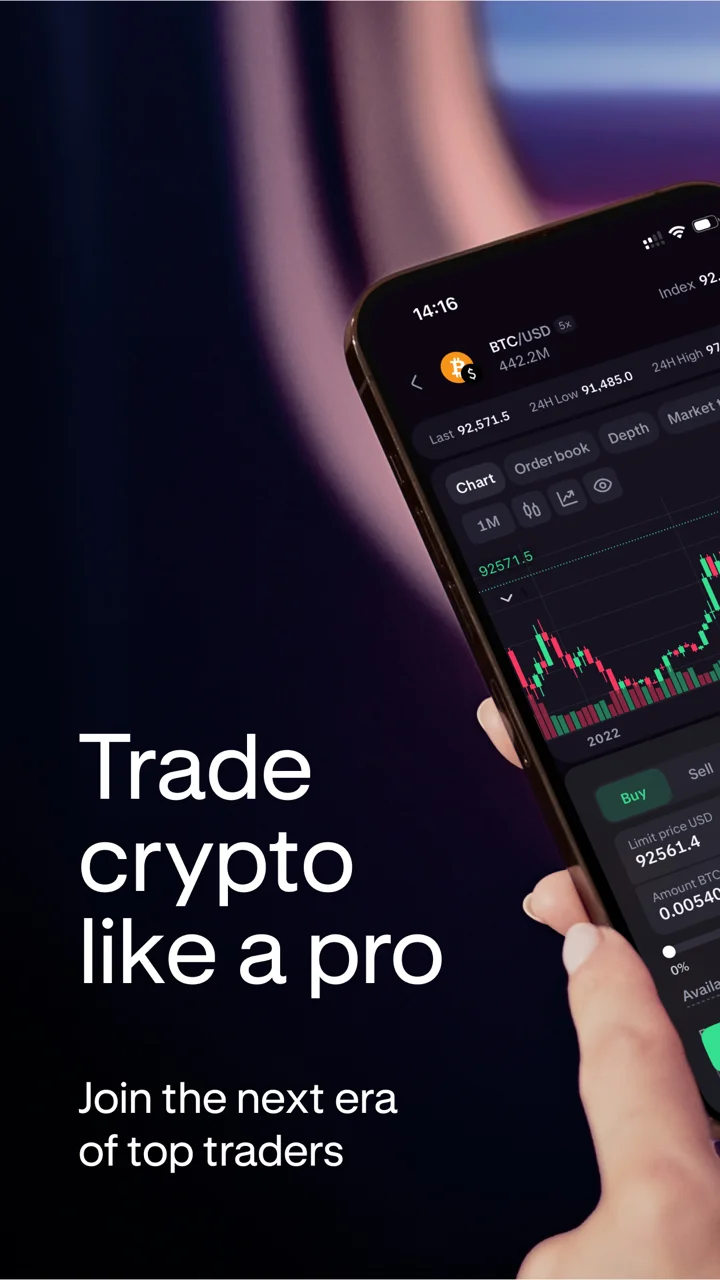
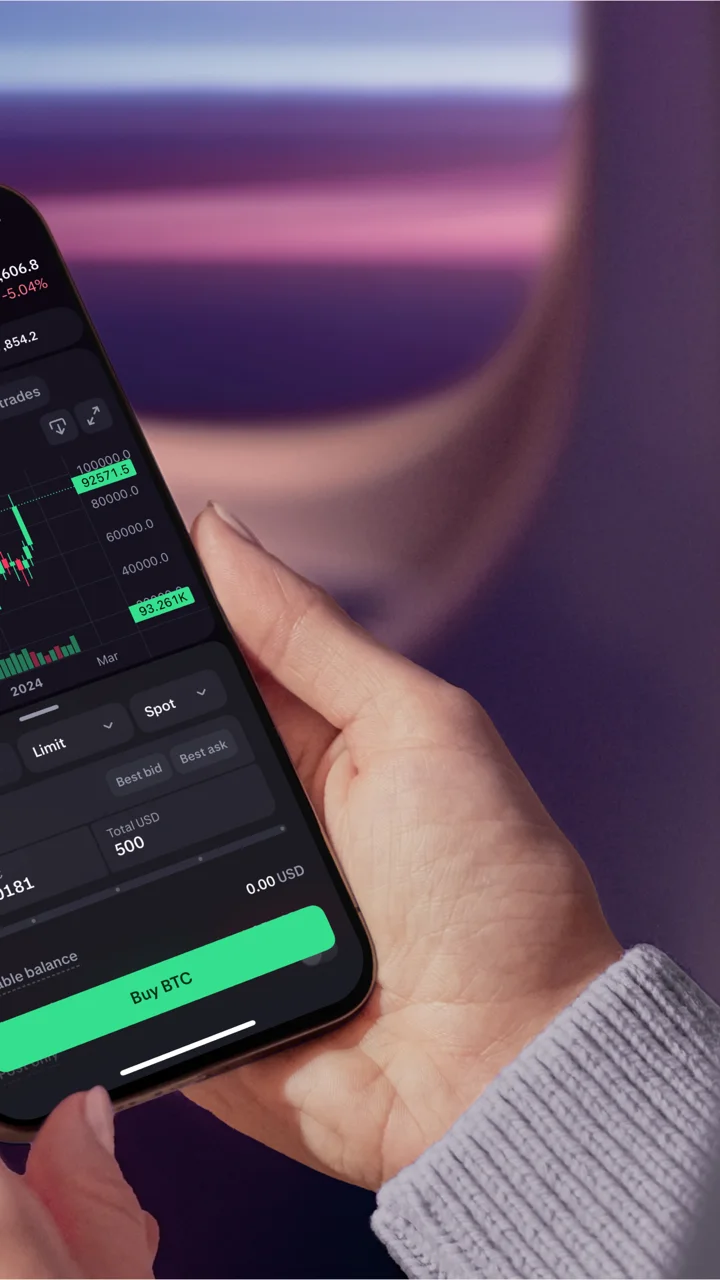
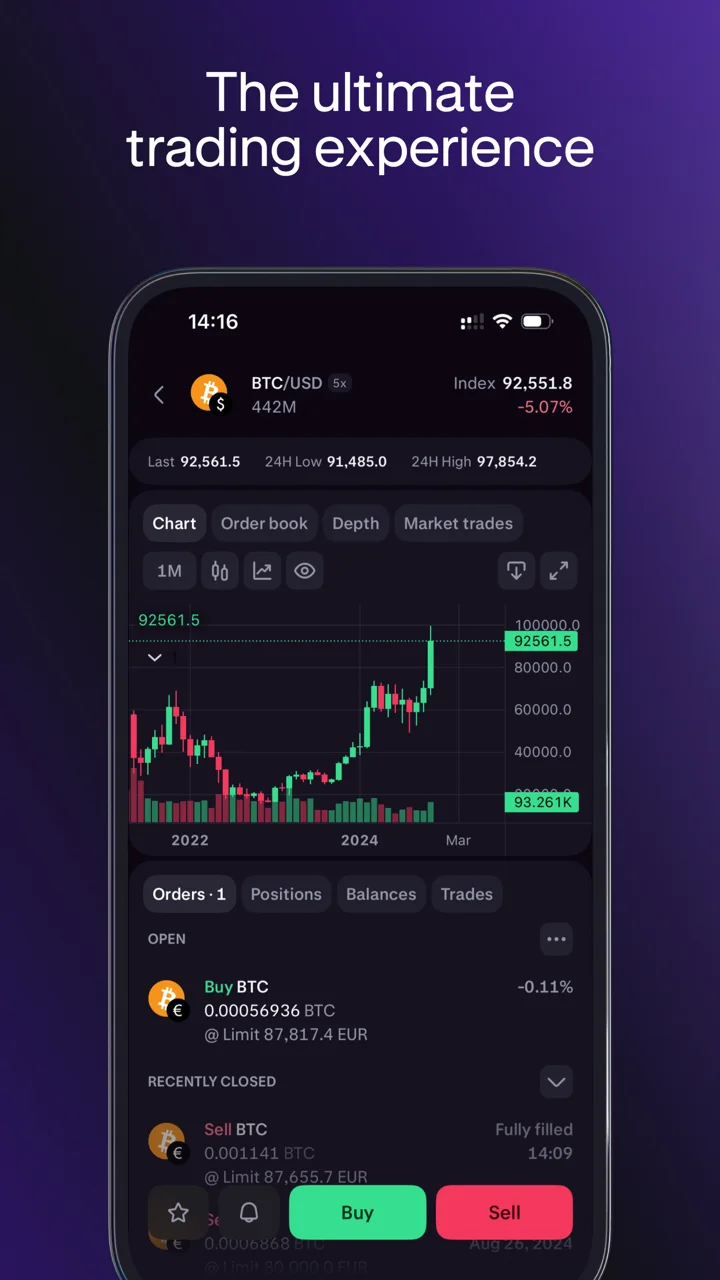
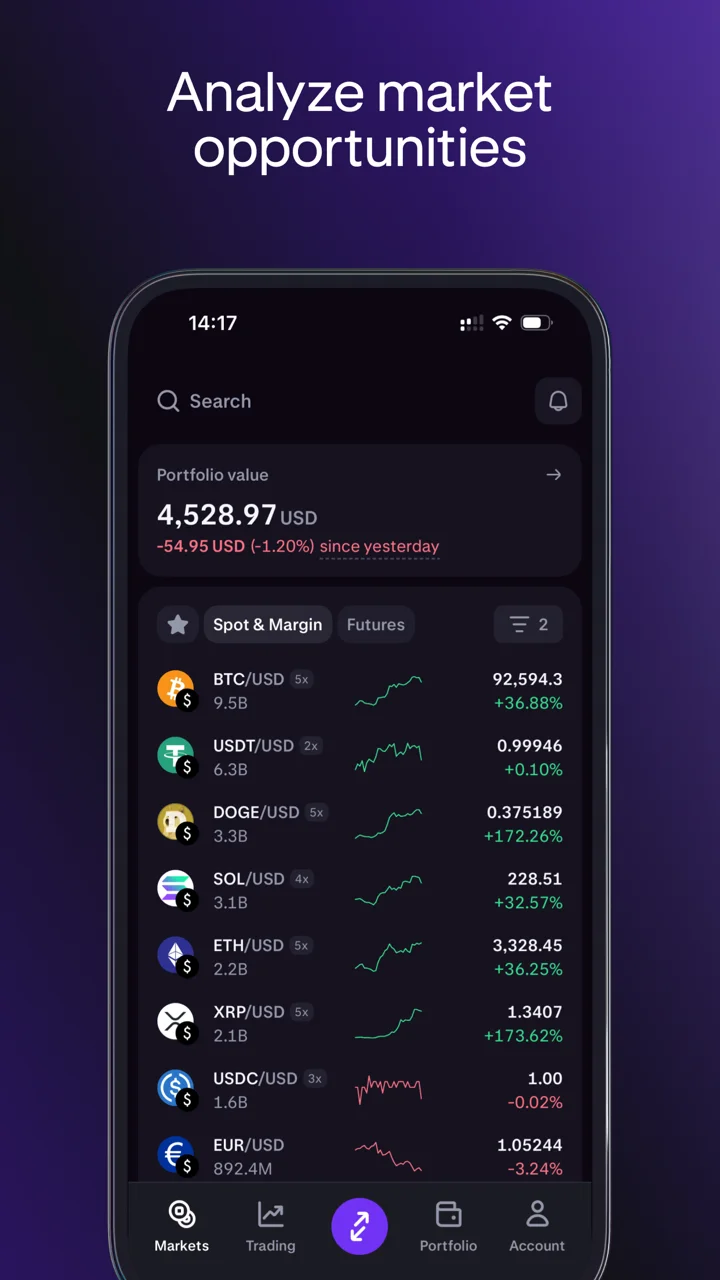
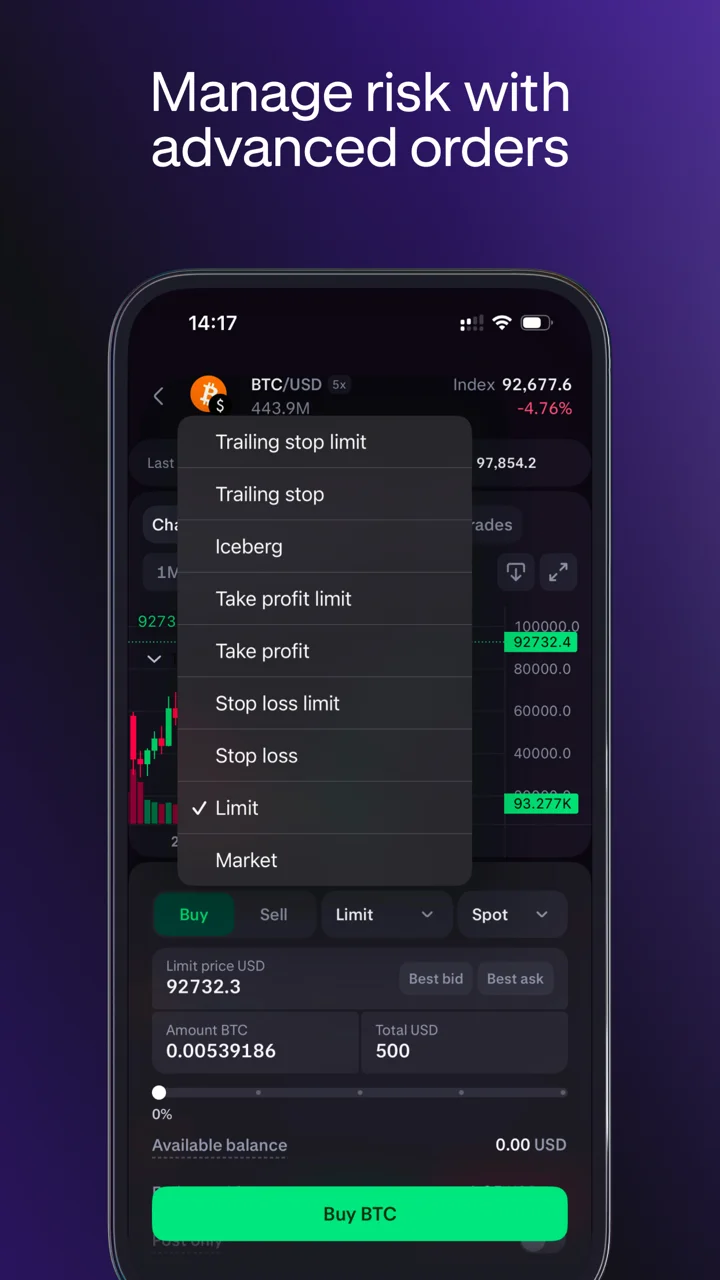
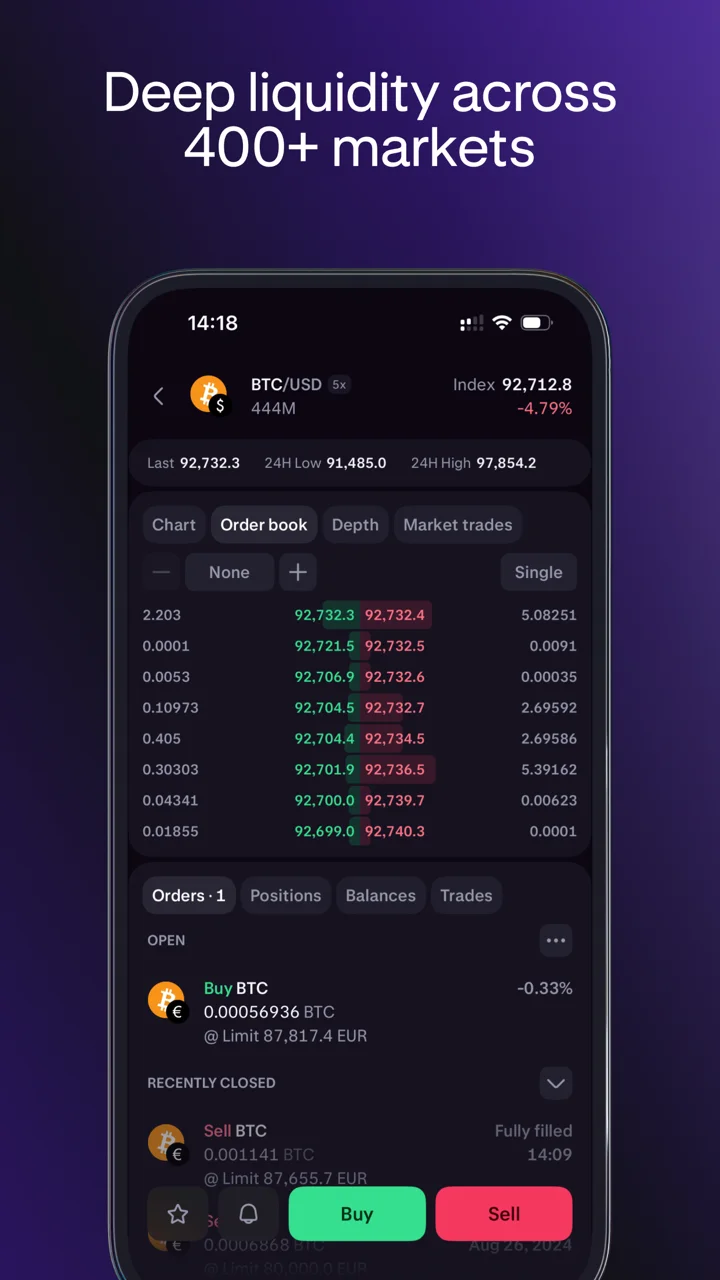
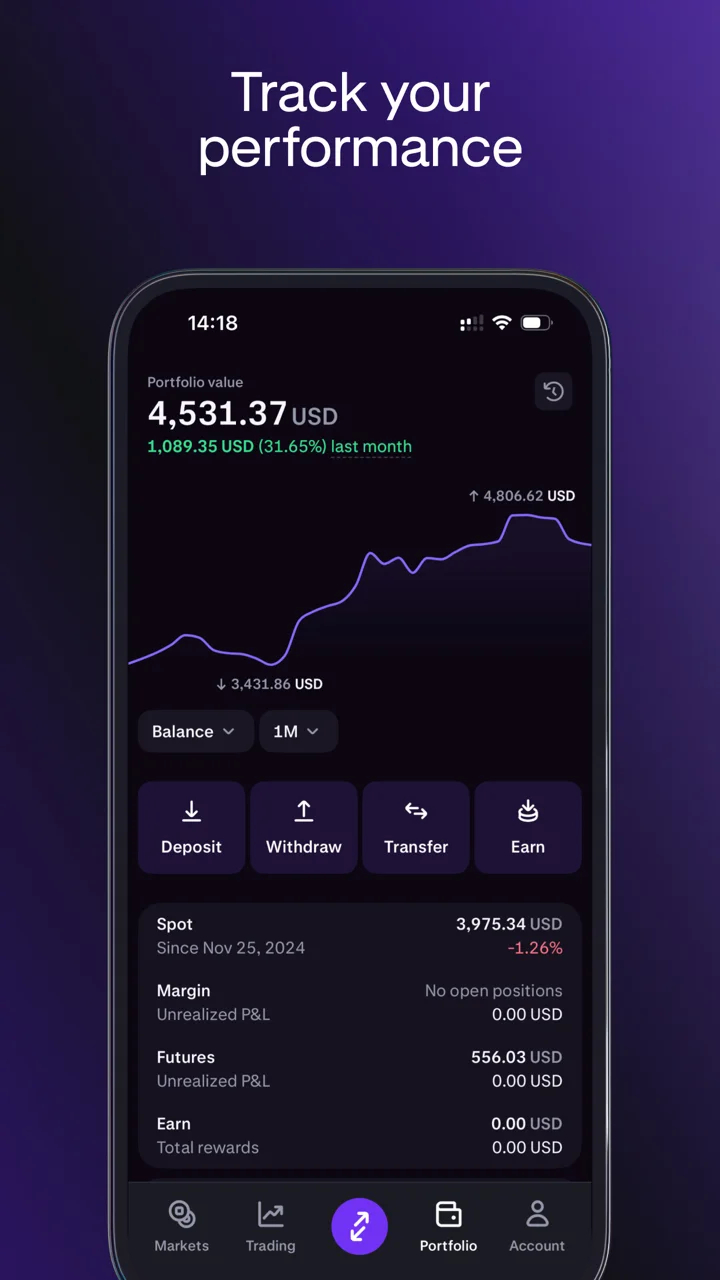
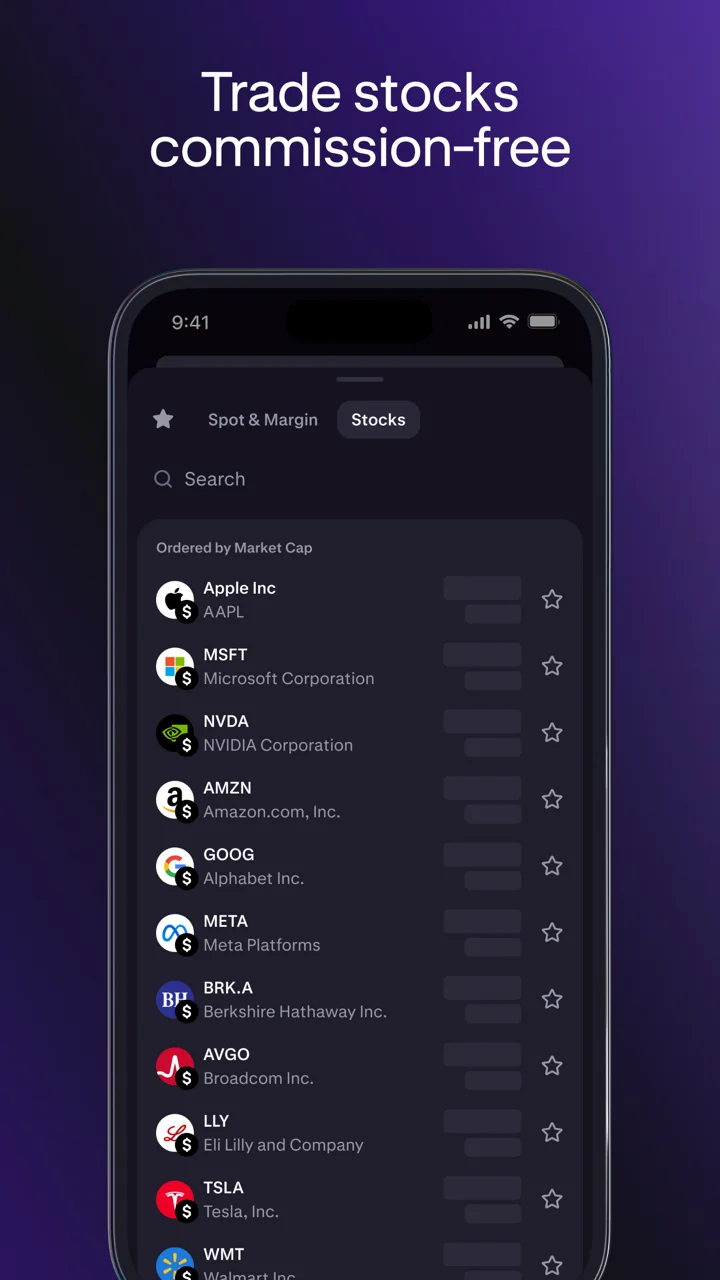
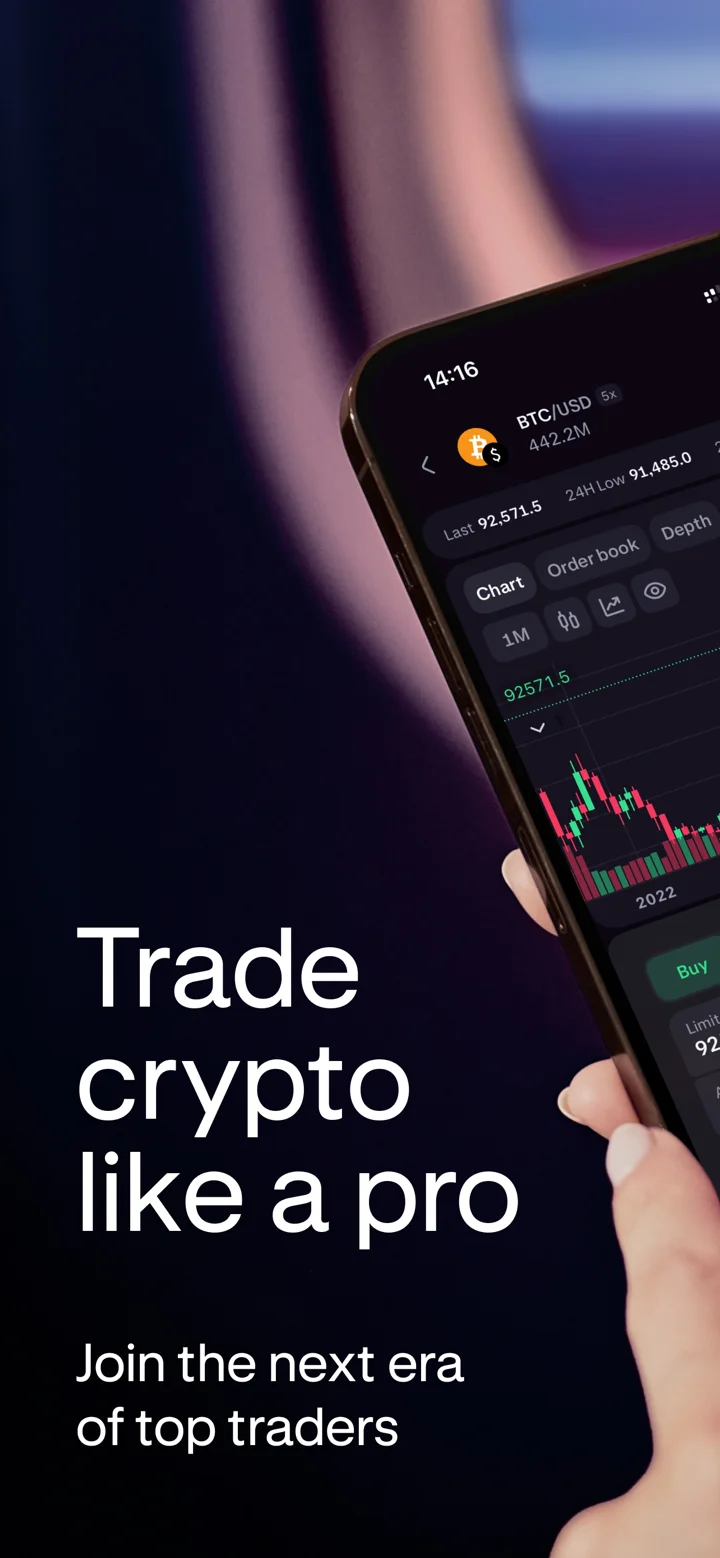
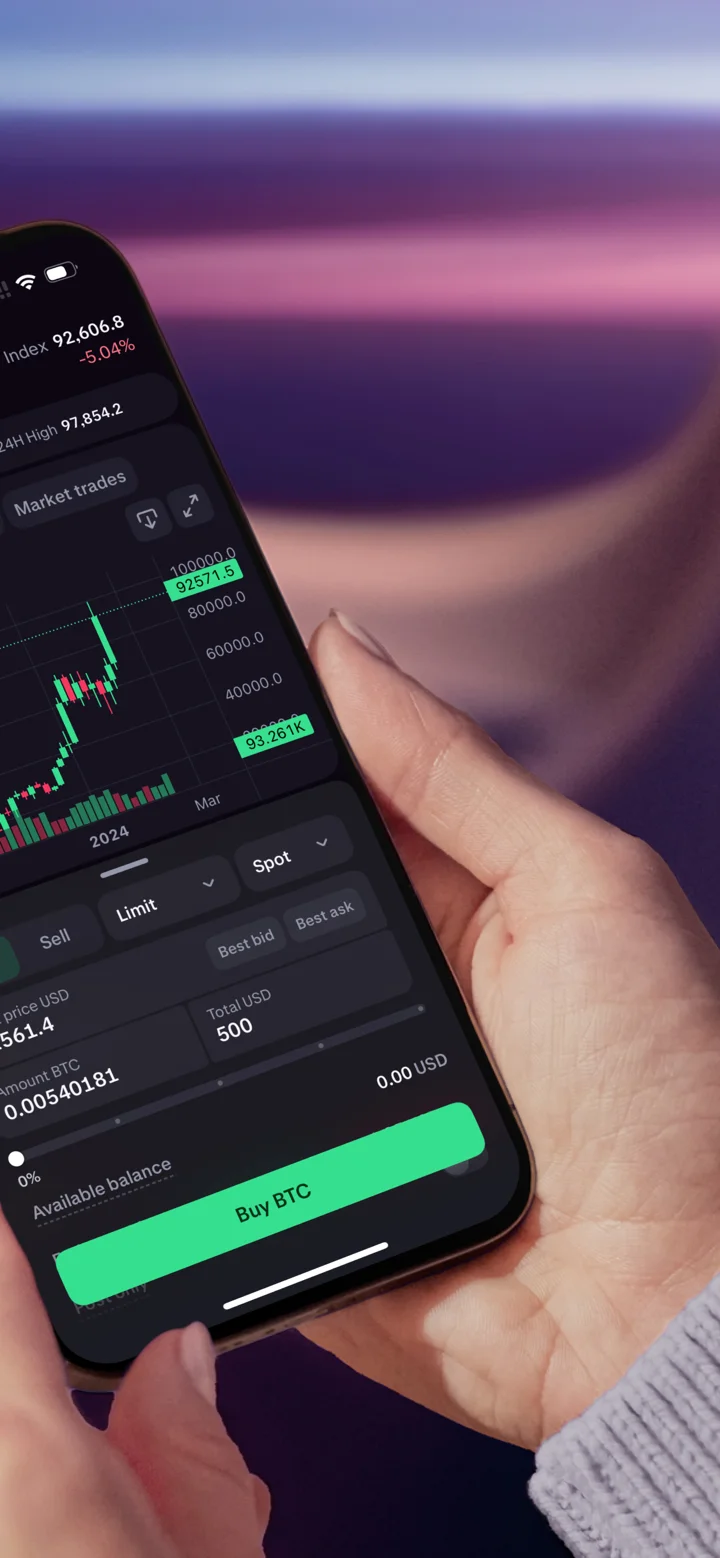
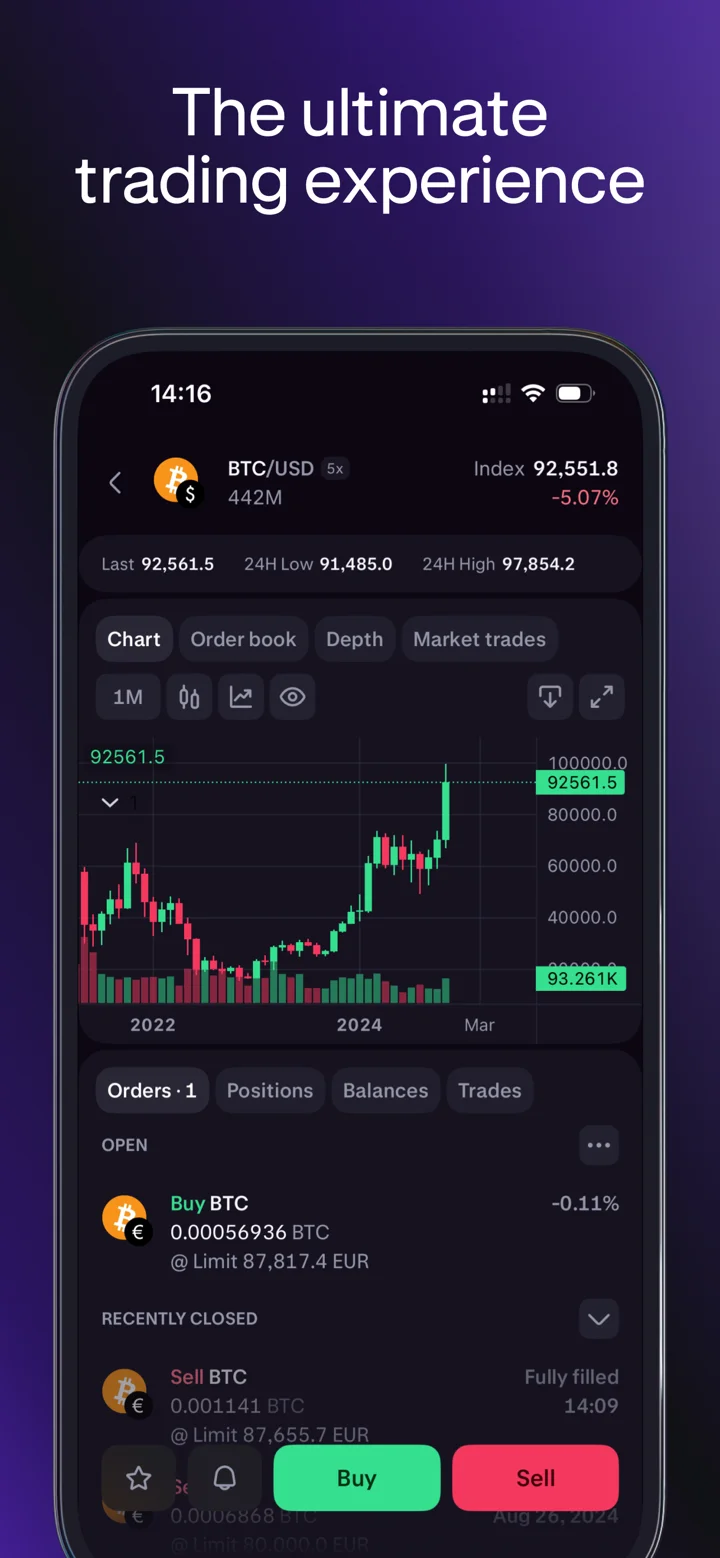
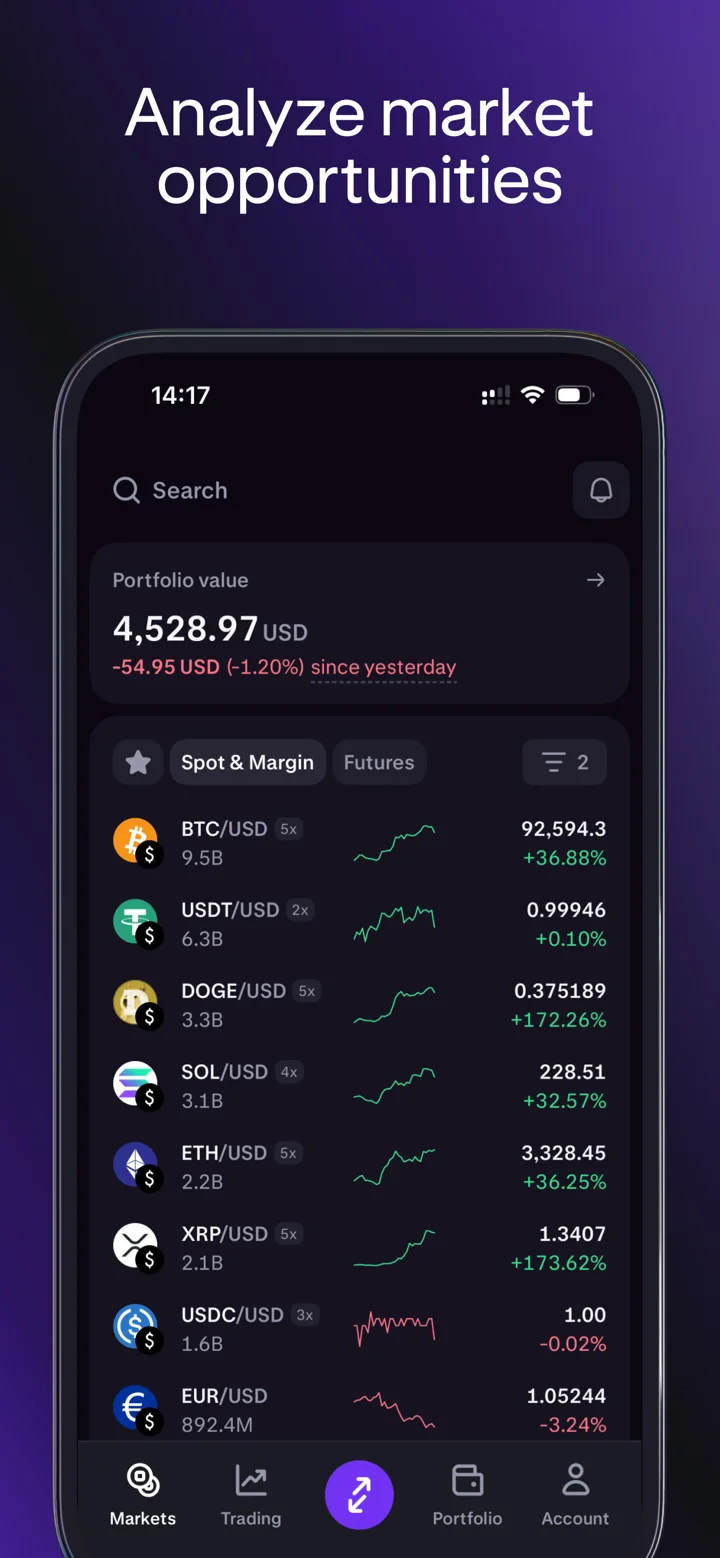
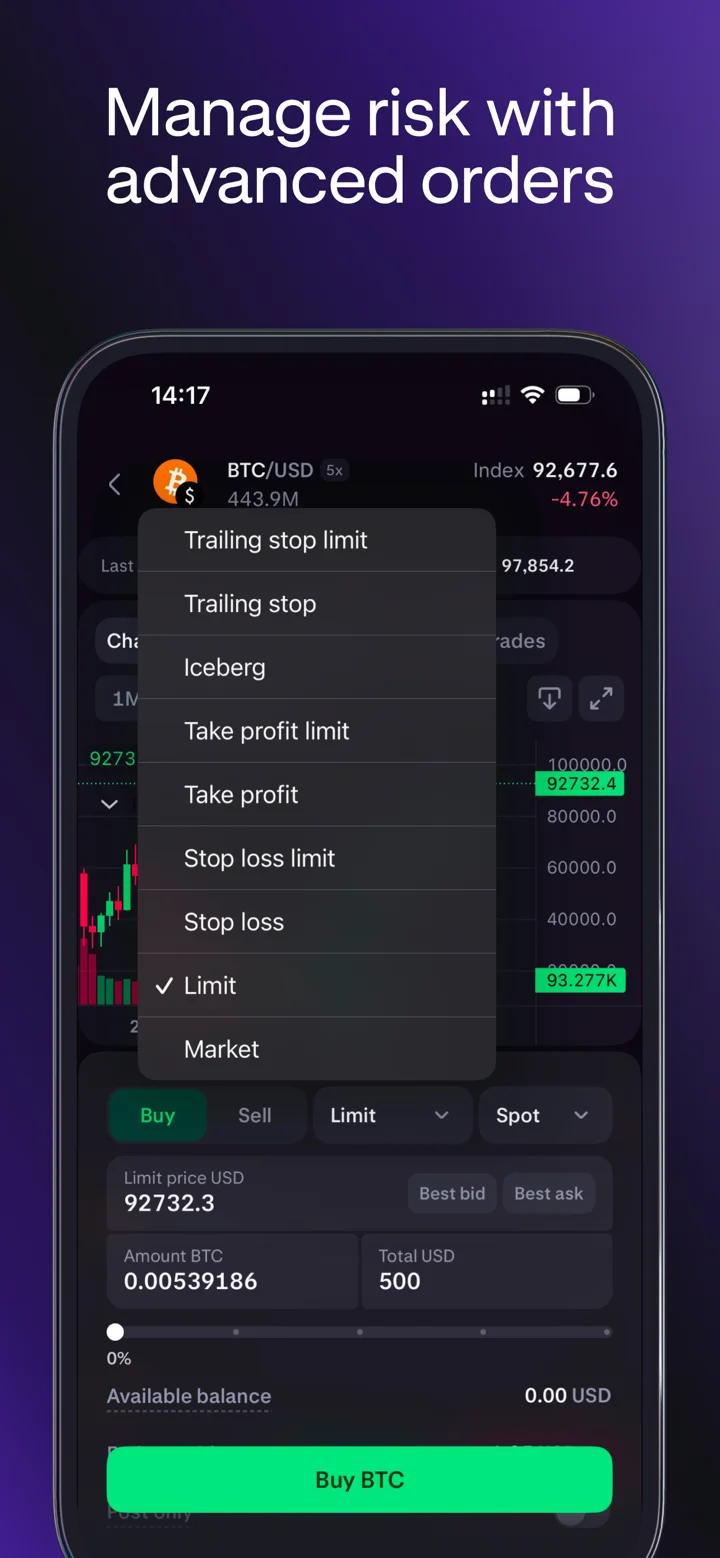
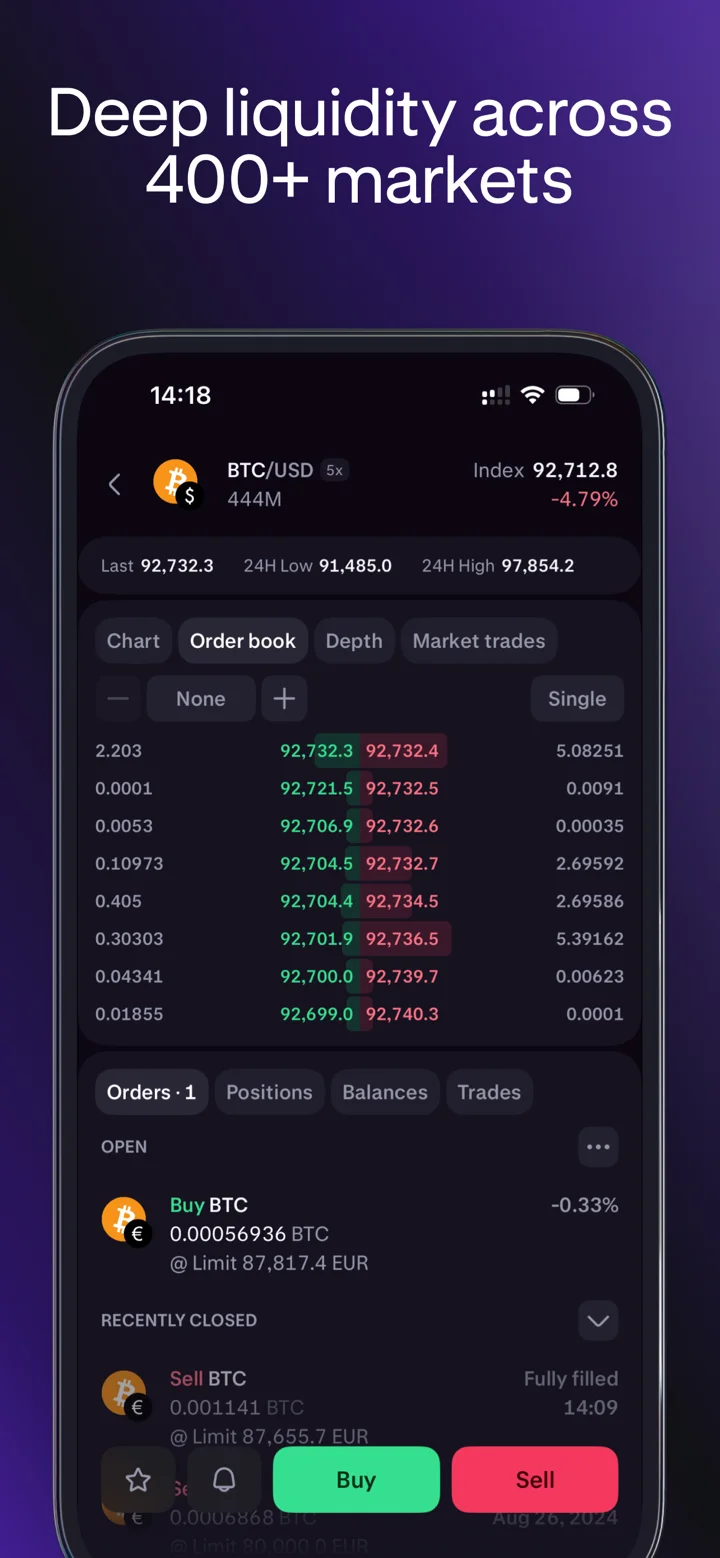
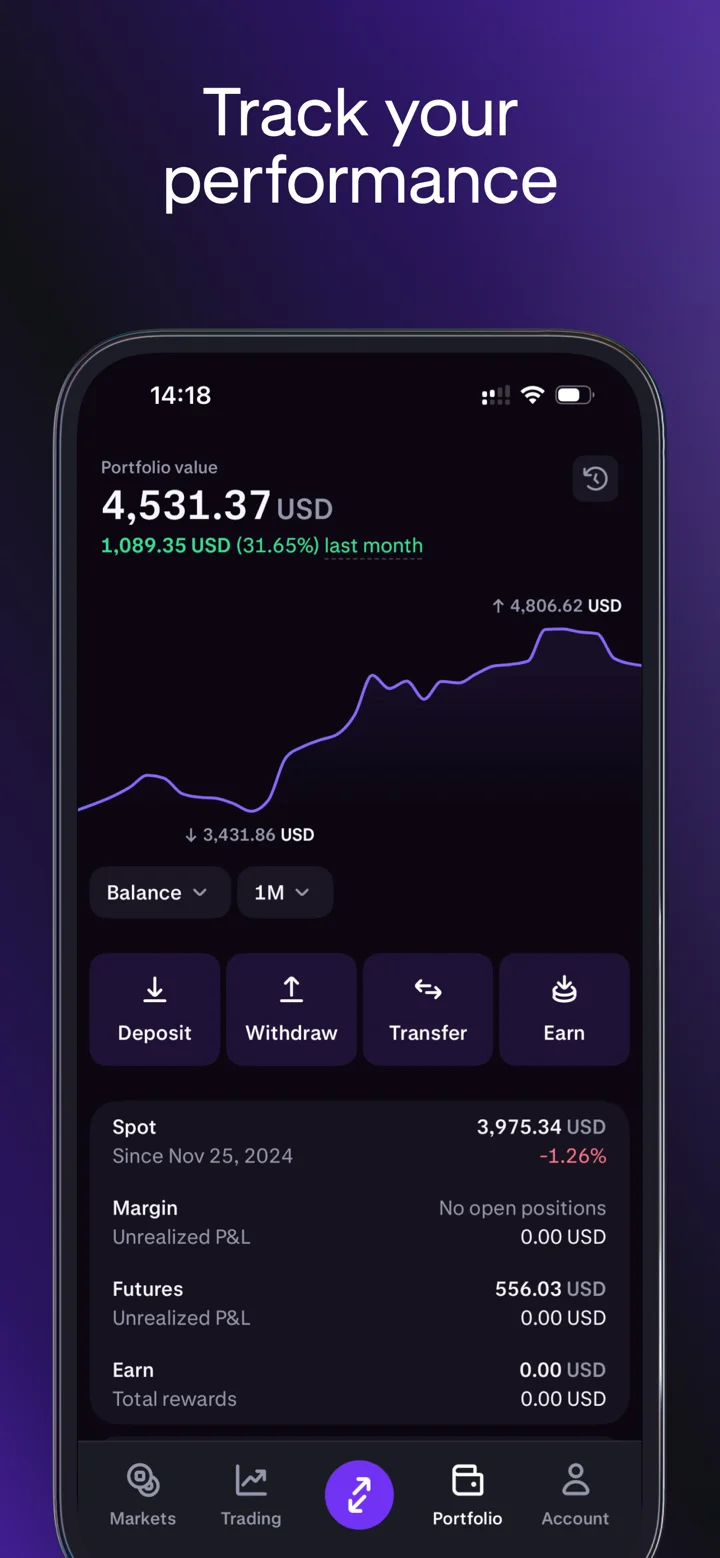
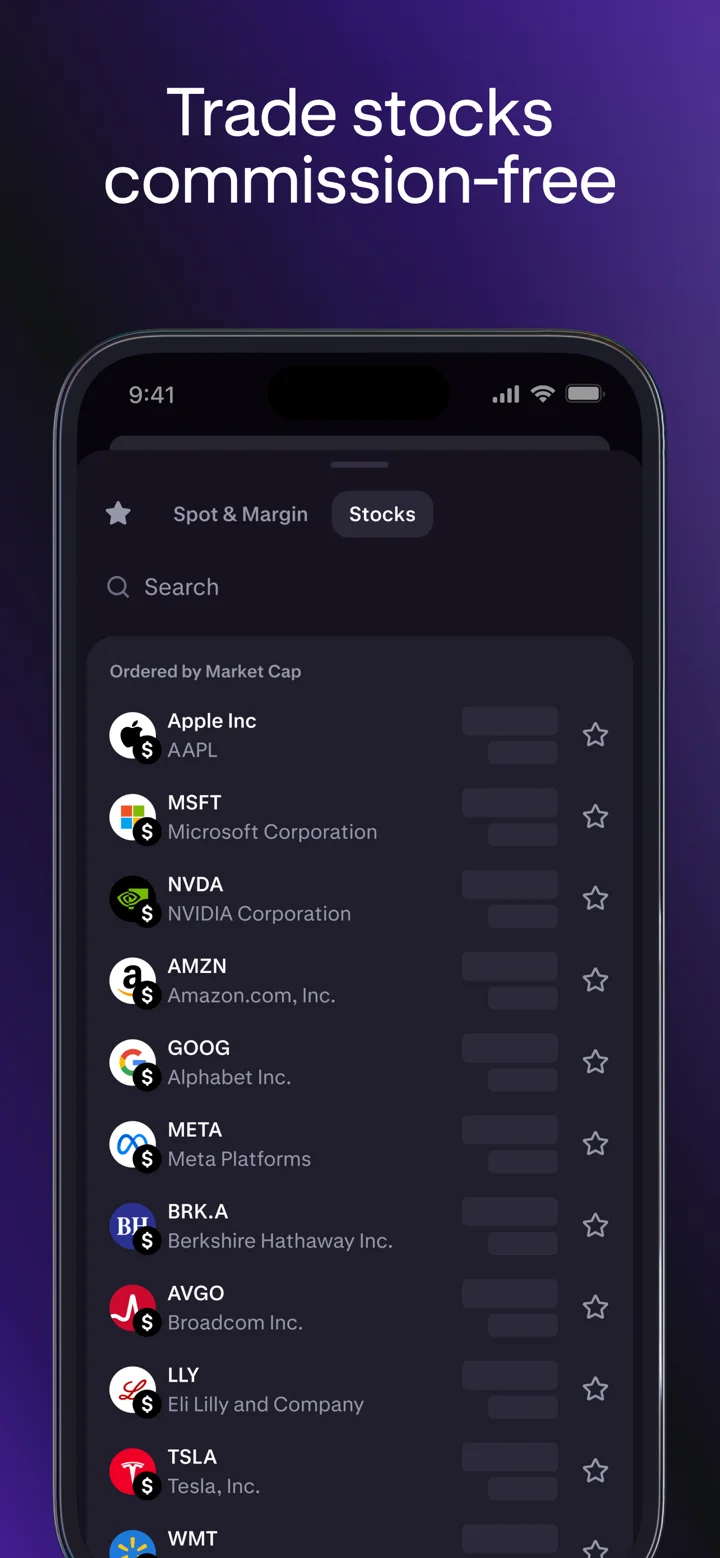
Kraken Proは、あなたが取引所で愛するすべてのセキュリティと機能を、洗練されたモバイルファーストデザインで提供し、高度な暗号通貨取引と資金管理を外出先で行えます。
— なぜPROを選ぶのか? — • 外出先での入出金 • 手数料は最低0% • 第三者機関から最も安全な取引所として一貫して評価 • 700以上の市場から選べる数百の暗号資産(仮想通貨) • 24時間365日のグローバルカスタマーサポート • 使いやすいインターフェースを備えた高度な取引ツール • 全市場にわたる深い流動性
— 700以上のライブ暗号市場 — • 超高速WebSocketとリアルタイム価格更新 • 複数のチャートと板情報表示オプション • 直感的なデプスチャートと最近の取引履歴 • 各通貨の色付きスパークラインと経時変化率
— 高度な取引機能 — • 50種類の暗号通貨、合計108ペアでロングまたはショート • ワンタップでまとめてポジションを開閉 • 高度な注文タイプと条件付きクローズパラメータで、任意のポジションにストップロスまたはテイクプロフィットを自動設定 • 注文の実行またはキャンセルタイミングをカスタマイズする開始時間と終了時間を設定 • カスタム手数料支払いオプションにより、各注文の手数料をフィアットまたは暗号通貨で支払い可能
— 注文、取引および資金履歴 — • すべての注文、取引、ポジション、入出金の完全な履歴 • 各資産の現在の残高を、希望するクォート通貨で表示
— 11,000以上の米国株式およびETFsを手数料無料で取引 — • NYSE、NASDAQ、AMEXなどで有名な米国株式やETFsを超えて投資し、すべて手数料無料。 • 取引と再投資をシームレスに実行 • アプリ内で暗号通貨と株式を並べて取引
* BTC/AUDおよびETH/AUDのメーカー手数料0%、テイカー手数料0.01%。Krakenはいつでもこれらの条件を変更または修正する権利を有します。 暗号資産(仮想通貨)は英国では規制されておらず、利益はキャピタルゲイン税の対象となる場合があり、暗号資産(仮想通貨)の価値は下落または上昇する可能性があります。
投資アドバイスではありません。暗号資産取引には損失のリスクが伴います。暗号通貨サービスは、米国および米国領土の顧客に対して、Payward Ventures Inc.("PVI")がKrakenとして提供しています。PVIの開示情報は www.kraken.com/legal/disclosures でご確認ください。
Krakenのカナダでの登録に関する情報はこちらをご覧ください: https://www.securities-administrators.ca/wp-content/uploads/2023/04/20230324-Kraken-PRU-publication-version.pdf
仮想通貨、現実のリスク。暗号資産において唯一の保証はリスクです。詳細はこちら: https://www.kraken.com/legal/be-disclaimer
暗号資産取引には損失のリスクが伴い、米国のお客様(WA、NY、MEを除く)にはPayward Interactive, Inc.を通じて提供されています。
© Payward Interactive, Inc. 2024 NMLS ID 1843762, 106 E. Lincolnway, 4階, Cheyenne, WY 82001
Payward Canada, 30 Adelaide St East, 12階, Toronto, ON M5C 3G8
投資アドバイスではありません。証券およびブローカーサービスは、Kraken Securities LLC(FINRA/SIPC会員)が提供しています。米国および米国領土の顧客(WA、NY、MEを除く)向けのデジタル資産サービスは、Payward Interactiveが提供しており、FINRA/SIPCの会員ではなく、FDICの保険も適用されません。すべての取引にはリスクが伴い、投資の損失が含まれます。完全な開示情報は kraken.com/legal/equities および kraken.com/legal/disclosures でご確認ください。
Kraken Propは、Payward Oceanic Ltdによる未規制のサービスであり、SEC、CFTC、FINRA、または米国のいかなる当局による規制も受けていません。資金提供を受けたトレーダーはPayward Oceanic Ltdと契約します。評価手数料が適用され、取引開始後の各試行に対して結果にかかわらず返金不可です。利用可能性は管轄区域によって異なります。完全なプログラム条件、手数料体系、および資格の詳細はkraken.com/propをご覧ください。


This latest update is just awful; I've lost a ton of money due to all the glitches
After the recent update, everything is broken and I ended up losing a ton of cash due to all these glitches
Before, I could easily view price movements and check multiple charts at once. But now, that's no longer possible. This update is so poor that I'm considering switching to Robinhood. On top of that, they performed maintenance right when Bitcoin was crashing, preventing users from trading. I don't think that's just a coincidence. Goodbye, Kraken.
Dear Kraken Support, I am writing to share some usability concerns and feature restrictions I have encountered with Kraken Pro. A few of these have a major impact on my ability to keep track of and review my trades effectively. 1. Asset pair restriction in Kraken Pro Small Widget The Small Widget on Kraken Pro only offers these Asset Pairs: BTC/CAD ETH/CAD ZEC/USD SOL/CAD LINK/USDC XRP/CAD USD/CAD USDC/CAD The Search bar does not look through Kraken's full list of markets. It simply filters this fixed set of eight pairs. My Kraken account has access to many more markets, such as ETH/USDC, and I can trade them without issue in Kraken Pro. I tried this on iPhone and iPad, cleared all my Favorites, removed and re-added the Widget, yet the same short list still appears. This suggests the Widget is relying on a hardcoded set of Asset Pairs instead of the user's actual markets or Favorites. Can you please let me know if this is by design or a bug? In an ideal setup, the Widget would let users search for and choose any market available in their account. 2. Widget should include a chart Right now the Widget shows price data, but it would be far more helpful if it also displayed a small market chart for the chosen asset. Even a basic intraday or customizable mini-chart would greatly improve the Widget's usefulness for tracking markets without opening the app. 3. Orders filter needs more options The Orders/transactions filters are currently too simple. There should be distinct filters for at least: - Open orders - Completed/Filled orders - Cancelled orders - Buy orders - Sell orders As it stands, it is hard to quickly tell completed orders apart from cancelled ones when going through the list. 4. Total purchase amount missing from Orders list When I look at the Orders list, I can see things like the purchase price and quantity, but the total transaction value is not shown right in the list. I have to open each order one by one to find the total amount. The total order value ought to appear directly in the list, for instance: Price × Quantity = Total This matters a lot when going through many past transactions. 5. Trade history is confusing when an order is filled across multiple executions The Trade/transaction history may show several entries for parts of the same order when an order is not filled all at once. For instance, if I place a single Buy order for 1 ETH and it gets filled through multiple executions, the Trade list might display several separate purchase entries. This makes it hard to see the original order as one transaction. It would be much clearer if Kraken showed: Original Order → Total requested quantity → Total filled quantity → Average execution price → Total cost → Number of executions There could still be an option to expand the order and see the individual executions. 6. Favorites cannot be manually sorted The Favorites list should let users manually reorder markets. For example, I want to put the assets I am actively watching at the top and move less important ones down. A simple drag-and-drop manual ordering feature would be very helpful. As an alternative, Kraken could offer sorting options like: - Manual order - Recently added - Alphabetical - Price change - Volume 7. iPad experience Kraken is a leading trading platform with significant development resources, but the iPad experience still feels underwhelming compared to what a modern professional trading platform should offer. A tailored iPad application/interface would be especially useful because the larger screen can make much better use of: - Charts - Order book - Trades - Open orders - Positions - Market watchlists - Multiple panels The iPad experience should leverage the bigger display instead of essentially acting like a stretched phone interface. All in all, Kraken Pro has solid trading functionality at its core, but these interface and workflow gaps make monitoring, reviewing, and managing trades harder than they need to be. I would be grateful if you could clarify which of these are known limitations, which are bugs, and whether any are planned for improvement. Thank you.
Could you please bring back the alphabetical sorting option for the Favorites (watchlist) by ticker/symbol? Who decided to take away this essential feature? How did that happen in the development process?
- The latest update messed up the UI big time—so much screen space wasted on the asset page now, looks cluttered. Please fix or adjust that. - Love the app otherwise, but after the update, viewing graph positions/orders on charts isn't right anymore unless I'm on the order page. Also, best bid/ask buttons disappeared when placing orders, and order details got buried. Felt like regressing. Now I have to jump to the order page just to check open positions, orders, and balance. It was smoother when everything was on the same screen. Can we bring back those features or let us customize the panels? We deserve better.
I’ve tried Coinbase, Robinhood, Binance, Kucoin, Poloniex, Bitunix, Bittrex (oh, those were the days), and even Exodus wallet. Kraken? It’s simply the cream of the crop in my book!
Kraken really takes user input to heart
Sleek interface and helpful customer service
Withdraw speed won’t let me pick. The screen locks up all the time. Not happy about it.